Import a boardview: files, archives and folders
BoardView Reader reads most boardview formats, on their own or in an archive with their schematic. Here's how to add them to the library, and what to do when a file won't open.
Ways to import
From the library, tap “Import boards” and pick one or more files, an archive or a folder.
From another app: share the file to BoardView Reader, or choose “Open with” (an email attachment, a download, a messaging app).
On computer and tablet, drag and drop the files onto the library window.
The file is copied into the app's library: you can delete the original afterwards, the board stays readable offline.
Supported formats
BRD (Test_Link, including encrypted), BRD2, BDV, BVR and BVR3, CST, CAD (GenCAD and Mentor), ASC (Fabmaster), PCB (XZZ), FZ (ASUS), TVW (Tebo-ICT), F2B (Unisoft), Allegro BRD, Eagle boards and BV databases.
An extension damaged by copying (“board.fz 4”, “board (1).brd”) doesn't matter: the app recognizes the format from the file's content.
Archives and folders
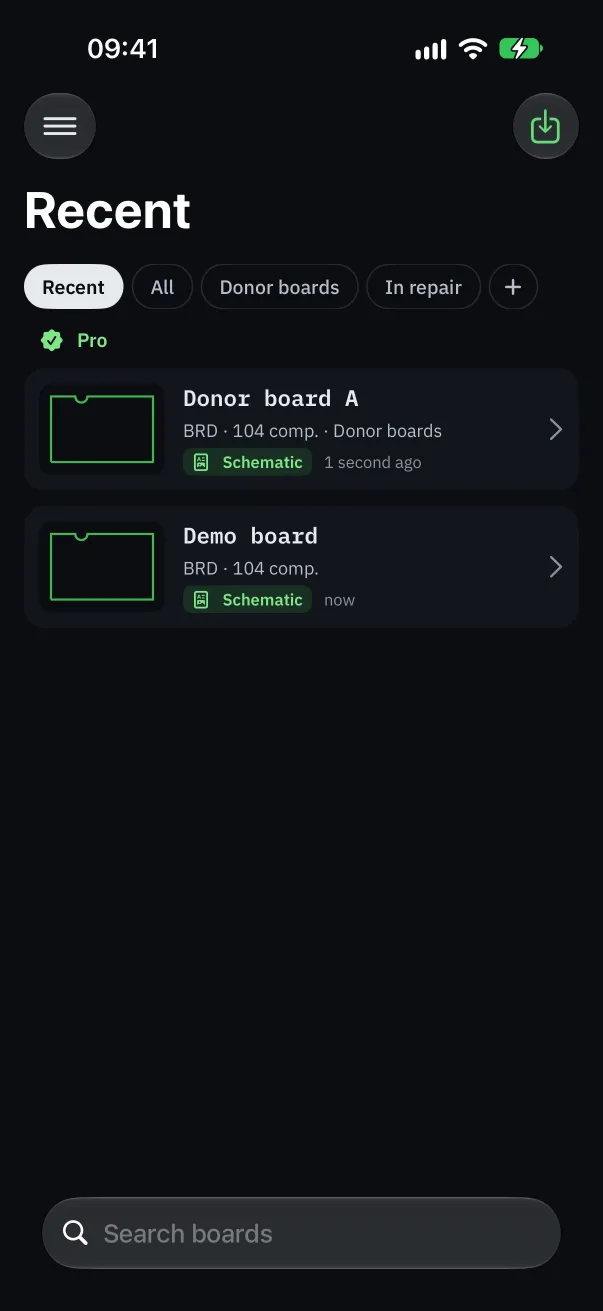
A ZIP or RAR archive can hold the boardview and its PDF schematic: both are imported and linked in one go. Archives containing several boards import them all.
Importing a folder works the same way: its boardview and PDF are linked whatever their names, and the board takes the folder's name.
A board split into several files (ASC Pins, Parts, Nets files…) is merged into a single board.
“This file won't open”: why
Many archives sold or shared as “boardview” actually contain only a PDF schematic, images or software. Open the archive on a computer to see what it really holds.
Password-protected RAR archives can't be opened: extract the files with the password first, then import them.
A format we don't know yet: the app offers “Send the file”. We add the formats repairers use first. The “Send refused files” setting turns this off if you prefer.
For XZZ and FZ, a default decryption key is built in; another key can be entered in the settings if a file needs it.
Organize the library
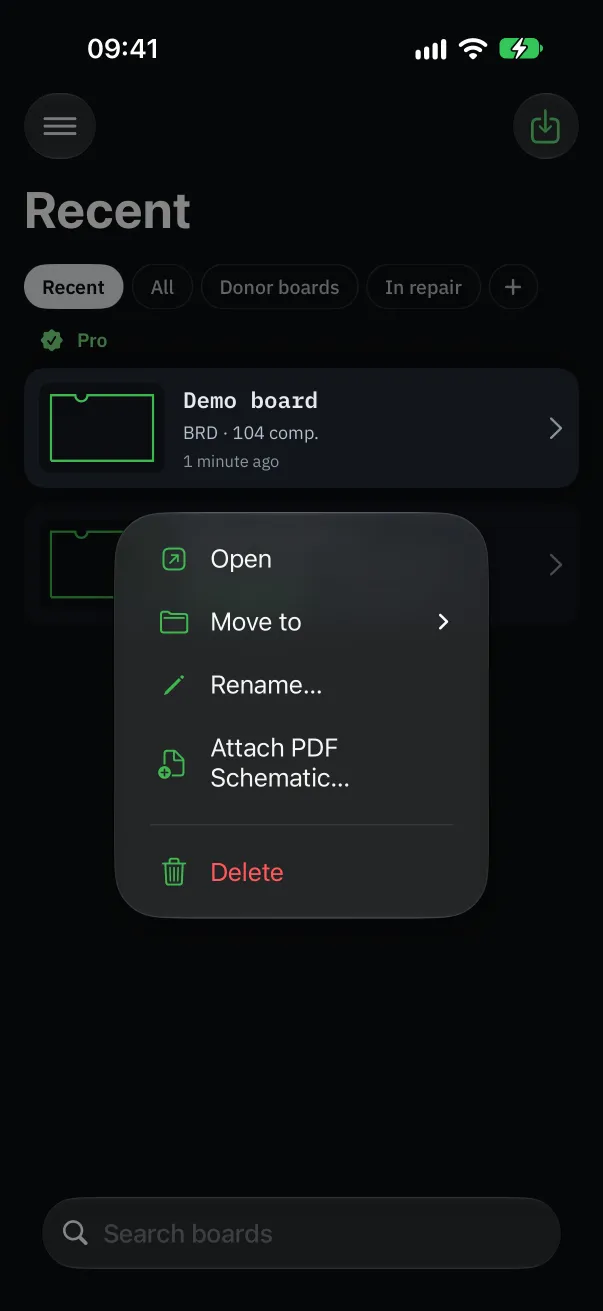
Create folders (“New folder”) by brand, customer or board generation, then drag a board onto a folder, or use “Move to” in its menu.
The library search (“Search boards”) finds a board by name.
During the free trial, two boards can be imported within 48 hours; Pro removes the limit. Boards already imported stay readable in every case.